🛠️ Core Functional Improvements
1. Order Management & Source Control Refining the order lifecycle with more flexible editing and a streamlined creation workflow.
- Source Edit Capability: Users can now modify the “Order Source” for existing entries, ensuring data accuracy if a source was incorrectly attributed during initial entry.
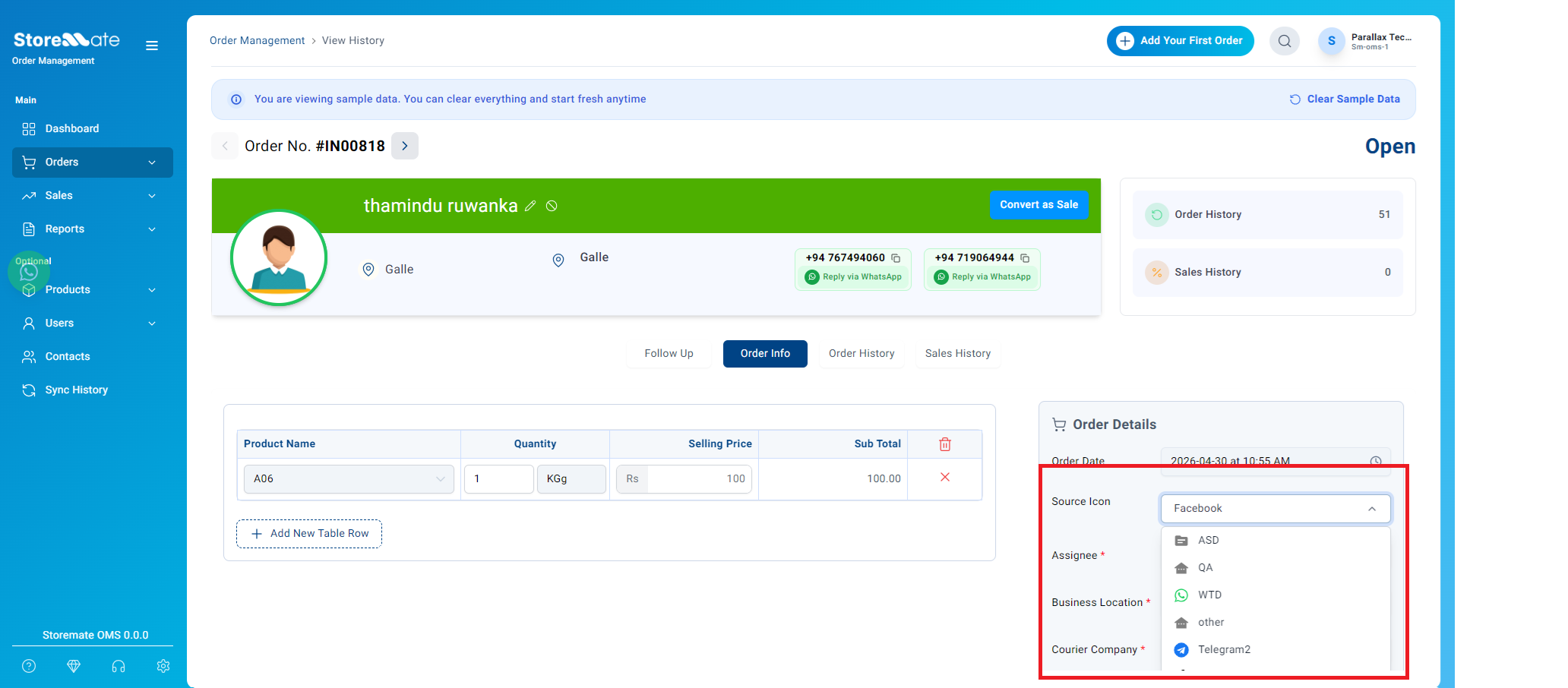
- Workflow Continuity: The ‘Save as Sale Order’ action has been optimized to keep users on the current page. The previous automatic redirection to the Sale List has been removed, allowing staff to perform consecutive actions on the same order without navigation friction.
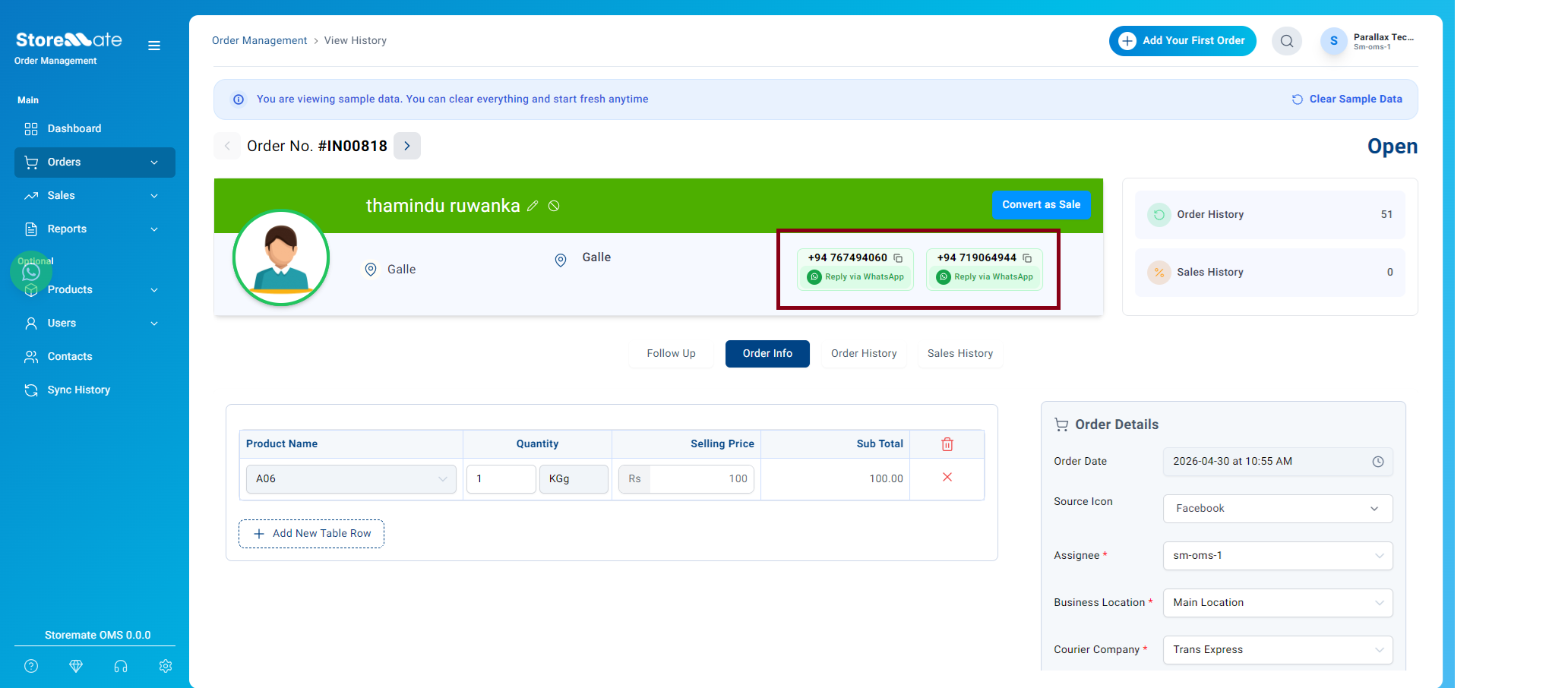
- Identification & Contact Shortcuts: New ‘Copy’ buttons have been integrated adjacent to both the Customer Contact Number. This eliminates manual highlighting and allows operations staff to quickly paste details into shipping portals or communication tools without friction..
2. Advanced Printing & Description Configuration
We have introduced granular control over how order details are rendered for warehouse and customer documentation, allowing for highly customized labels and invoices.
Customized Output: This flexibility ensures that documentation remains clean and relevant, allowing operations to exclude redundant system data when only specific manual remarks are required for the logistics or fulfillment teams.
Dual-Option Description Control: The printing logic now features independent toggles for Auto Description and Manual Description, replacing the previous fixed format.
Independent Selection: Users can now choose to print only the system-generated description, only the manual staff notes, or both simultaneously.
📊 Reporting & Table Enhancements
1. Shipping & Packing List Optimization Critical data visibility improvements for the core fulfillment interface.
- Column Expansion: Following operational feedback, three high-priority columns—Product, Remark, and Source—have been added to the Shipping & Packing List table.


